

Android TV App Development: Google TV, DRM, and Launch
An Android TV launch can pass every phone test and still fail from the couch. Focus disappears when a viewer presses Back, a protected title shows a black screen on one television, or the Play review finds that a touch-only control cannot be reached with a remote. Successful Android TV app development treats those risks as product requirements from the first sprint.
What is Android TV app development? It is the design, engineering, testing, and Google Play delivery of an app built for televisions running Android TV OS, including devices with the Google TV experience. A production streaming app combines a remote-first interface, media playback, DRM, identity and entitlement, discovery metadata, analytics, real-device QA, and a TV-specific release process.
This guide is for founders, product leaders, and engineering teams scoping a new OTT app or moving an existing service onto Android TV. It explains what must be decided before development, how the client fits the wider video platform, and what evidence to require before launch approval.
What Android TV app development actually includes
Android TV OS is the operating platform. Google TV is a content-forward experience built on that platform and available on supported televisions and streaming devices. One Android TV application can run across both, but a team that wants content to surface outside the app must also plan Google TV discovery and deep-link integrations.
The TV client is only the visible edge of a larger system. A complete scope normally covers six connected layers:
- Experience: home, catalog, search, details, profiles, settings, error states, and remote focus behavior.
- Playback: VOD or live streams, adaptive bitrate, captions, audio tracks, resume state, ads, and media controls.
- Trust: sign-in, device activation, entitlements, Widevine license exchange, parental controls, and secure local data.
- Platform: TV manifest declarations, lifecycle, deep links, MediaSession, Google TV discovery, and accessibility.
- Services: content APIs, image delivery, subscriptions, recommendations, analytics, feature flags, and customer support tools.
- Release: app bundles, signing, store assets, target countries, device coverage, Play review, staged rollout, and monitoring.
This system view prevents deceptively small features from being underestimated. “Continue Watching” is not one rail: it needs accurate player events, a viewer identity, synchronized progress, API rules, and a deep link that returns to the correct episode. A protected live event adds manifest delivery, key rotation, entitlement refresh, concurrency policy, ads, telemetry, and recovery for network or license failure.
Google’s setup guide confirms that TV apps can reuse an existing Android architecture, but they need a TV launcher activity, TV device declarations, no touchscreen dependency, and a remote-friendly interface rather than the phone layout (create and run a TV app). Reuse business logic where it helps; do not confuse code reuse with product readiness.
Android TV and Google TV: one build, two product surfaces
Inside the app, viewers need fast browsing and playback. On Google TV, content can also reach them through continuation, entitlements, and recommendations. Google’s current Engage SDK for TV guide describes those three integrations and requires program enrollment, service-availability checks, production configuration, and verification before launch.
Treat discovery as a scoped workstream, not a marketing toggle. Define which catalog entities qualify, how profile consent works, when progress is published or deleted, which deep link opens the content, and how an expired entitlement behaves. The associated metadata should be validated like an API contract because the first interaction may begin on the Google TV home surface rather than inside your app.
Scope Android TV app development before choosing a framework
The first decision is not Compose versus Leanback. It is which audience, content, business model, and device promise the first release must serve.
Start with evidence from current web and mobile viewing, subscriber geography, support requests, partner commitments, content rights, and the devices already reporting playback sessions. Android TV may be the best first connected-TV platform for one audience, while Roku, Fire TV, Apple TV, or Samsung TV OS may lead elsewhere. A broader smart TV app development roadmap should preserve shared backend contracts without forcing every device family into one release.
Write a release contract
A useful scope turns features into verifiable outcomes. For example, “support login” is ambiguous. “A new viewer can request a device code, activate it on a phone, reach the correct profile, recover from an expired code, and sign out on every supported device” is testable.
For each launch feature, record:
- the supported content type and monetization model;
- the backend, vendor, or rights dependency;
- the expected remote-control journey and error states;
- the analytics events and operational dashboard;
- the devices, Android versions, and network conditions used for acceptance;
- the owner who can approve the result.
A streaming MVP commonly includes device activation, profiles, catalog browsing, details, search, entitlement, VOD or live playback, captions, audio selection, resume progress, analytics, privacy and support information, and store submission. Recommendations, purchases, advanced advertising, downloads, or live DVR belong in the first release only when the business model depends on them.
Prove the riskiest path first
Do not spend the first month polishing the home page. Use a technical spike to play a production-like protected stream on the oldest device you intend to support. Exercise license acquisition, bitrate changes, captions, seek, suspend and resume, network interruption, and the app’s error recovery.
Then prove remote focus across a representative catalog rail, details page, modal, and player controls. If the selected UI or media approach struggles on low-memory hardware, the team can narrow device support, simplify animation, change the player integration, or isolate a platform exception before the rest of the application depends on it.
Choose an Android TV app development stack that can survive the roadmap
For a new native client, a practical baseline is Kotlin, Compose for TV, AndroidX Media3 with ExoPlayer, a MediaSession, and modular interfaces to the backend, identity, DRM, analytics, and monetization systems. Exact libraries should follow the product’s content and support matrix rather than a generic stack checklist.
Google now marks the Leanback UI toolkit as deprecated in favor of Compose (Android TV playback guidance). Existing Leanback applications do not need a reckless full rewrite. Google’s migration guidance supports moving screen by screen while Compose and Views coexist, which lets teams protect stable playback and release flows during migration.
Separate the app into testable boundaries
A maintainable client can be organized around these responsibilities:
- Presentation: TV components, focus rules, screens, and state rendering.
- Domain: catalog, profile, entitlement, playback intent, and business rules.
- Data: API clients, repositories, caches, pagination, and offline-safe state.
- Media: player lifecycle, tracks, DRM configuration, ads, and MediaSession.
- Platform: deep links, Engage publishing, remote input, accessibility, and device capability checks.
- Observability: startup, playback, API, navigation, and crash telemetry with common identifiers.
Keep vendor SDKs behind narrow interfaces. An analytics change should not alter screen logic. A DRM provider migration should not require a catalog rewrite. A server-side ad insertion path should be distinguishable from clear playback in both code and telemetry.
Google recommends connecting playback to a MediaSession so commands from the TV remote, platform controls, and external sources reach the player consistently (Media3 MediaSession guidance). That integration also gives the platform accurate metadata and control state instead of treating the player as an isolated video surface.
Decide what mobile code can be shared
Share models, network clients, repositories, validation, authentication state, entitlement rules, and analytics definitions when they already fit the television use case. Build TV-specific presentation, focus behavior, playback controls, activation, and lifecycle handling.
The right metric is not percentage of reused code. It is how safely the team can change a business rule once while testing the distinct phone and television experiences independently.
Design for the remote, distance, and shared screen
A TV is usually operated from several feet away with Up, Down, Left, Right, Select, Back, and a few media keys. Every interactive item needs a visible focused state, a predictable directional neighbor, and a path in and out. Google’s hardware guidance is explicit that TV apps must support a D-pad remote (handle TV hardware).
A focus review should answer:
- Where does focus land when each screen, dialog, and side panel opens?
- Can every actionable element be reached without touch or pointer input?
- What does Back close first, and where is focus restored afterward?
- What happens when a rail has one item, fifty items, or delayed images?
- Can viewers sign in without entering a long password on the TV?
- Do empty, loading, offline, and expired-session states remain navigable?
- Can a viewer turn captions on and change audio without leaving playback?
Use large, legible type, strong contrast, clear spacing, and restrained motion. Keep critical controls away from cropped display edges. Google’s adaptive TV guidance recommends a safe margin around the layout for overscan and calls for explicit focus management, landscape design, and high-resolution assets (build adaptive apps for TV).
Accessibility belongs in the interaction model. Test major journeys with TalkBack, verify meaningful labels, confirm that focused media controls are announced, and make autoplay stoppable. Google’s TalkBack evaluation examples cover activation, details, playback, audio descriptions, captions, and live program guides—useful acceptance paths for any media product.
Build playback, Widevine DRM, and monetization together
Playback is where content, rights, device capability, networking, and revenue meet. Lock the matrix before implementation:
| Decision | Questions the scope must answer |
|---|---|
| Content | VOD, live, catch-up, start-over, trailers, or cloud DVR? |
| Delivery | HLS, DASH, CMAF, low latency, multiple CDNs, or manifest failover? |
| Video | AVC, HEVC, HDR, 4K, frame-rate matching, and fallback ladders? |
| Protection | Widevine scheme, license server, key rotation, output restrictions, and concurrency? |
| Monetization | SVOD, AVOD, TVOD, PPV, IMA client ads, or server-side ads? |
| Accessibility | Captions, subtitle formats, alternate audio, and audio descriptions? |
| Operations | Startup, rebuffering, fatal errors, ad failures, and QoE dimensions? |
Media3 ExoPlayer supports common Android TV paths, but support depends on Android version, container, encryption scheme, decoder, and device. Google’s current supported formats matrix documents Widevine for DASH and HLS, PlayReady support on Android TV for specific paths, captions, live playback, and ad-insertion capabilities. Use that table to design the matrix, then validate the actual manifests and license policy on physical devices.
Do not accept a clear demo stream as proof of protected playback. Test valid and expired entitlements, bad tokens, license timeout, key rotation, seek across periods, audio and subtitle changes, sleep and resume, HDMI state changes where relevant, clock error, and network loss during manifest, segment, ad, and license requests.
Monetization needs the same rigor. For AVOD, distinguish content startup from ad startup, content buffering from ad buffering, and player errors from ad decision or tracking errors. For subscriptions and purchases, define whether transactions happen on TV or another device, how account state returns to the app, and what the viewer sees when access changes mid-session.
A launch-ready architecture for Android TV app development
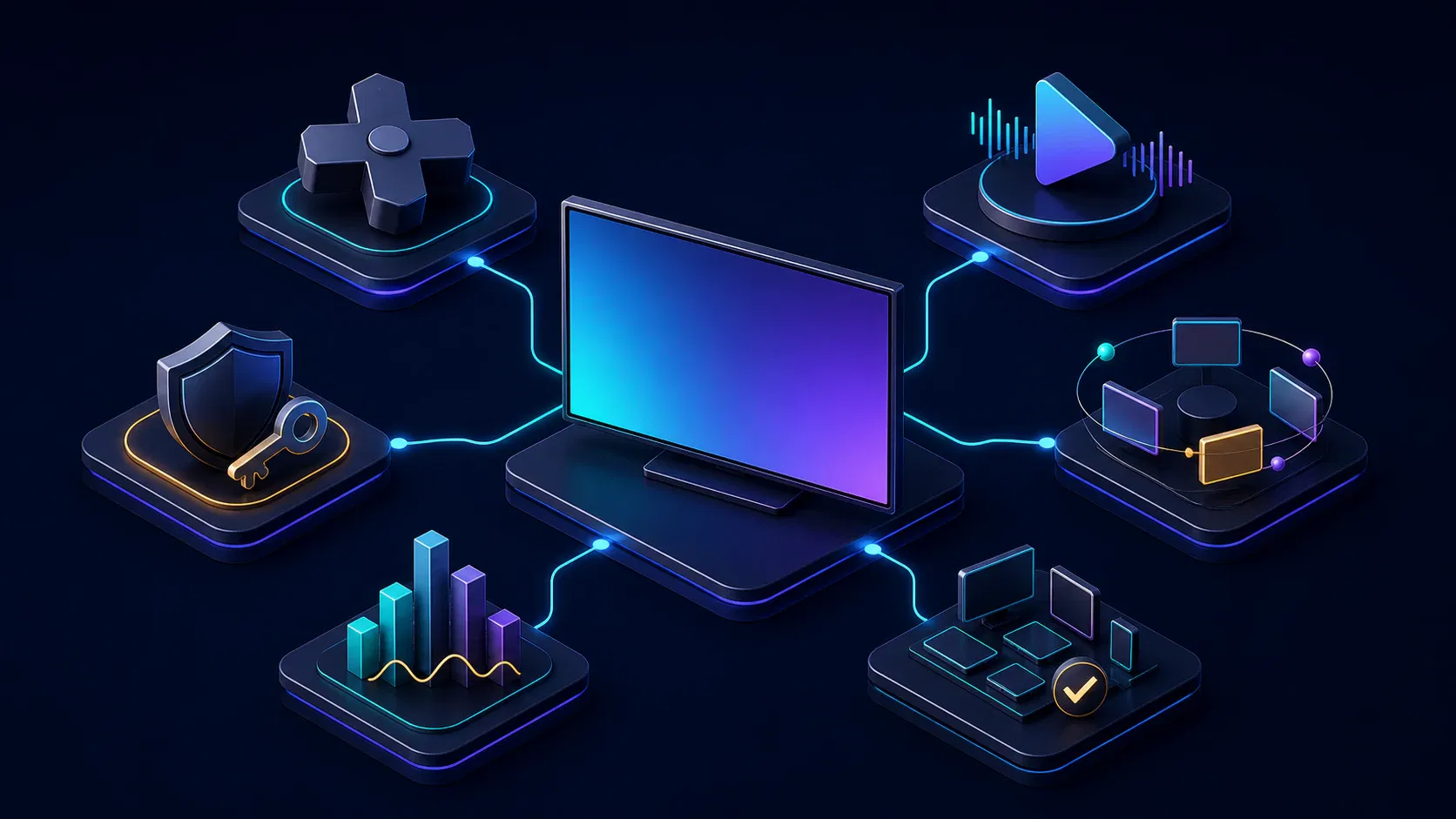
The solution is a thin TV experience over explicit platform services, not a monolithic app that owns every responsibility. The client requests catalog and entitlement data, configures playback from a server-owned policy, reports observable events, and integrates Android TV surfaces through stable adapters.
Use a build and release pipeline that pins dependencies, selects the environment, creates the Android App Bundle, runs automated checks, records the artifact checksum, and promotes the exact tested build. Signing keys and store access should live in controlled organizational accounts with documented recovery—not on an undocumented developer laptop.
For media companies that need the TV client engineered with the wider streaming stack, Apexnova’s OTT app development service connects connected-TV delivery with playback, DRM, backend services, analytics, monetization, and cloud operations. That model is most useful after the device promise and release contract are clear; a focused technical spike is still the right first step when playback or device feasibility is uncertain.
Make telemetry part of the architecture
Track more than crashes. A useful event model includes app launch, usable-home time, activation completion, catalog/API failures, player preparation, first frame, bitrate changes, rebuffering, fatal playback errors, license outcomes, ad milestones, caption use, deep-link results, and clean versus abnormal exits.
Attach app version, Android version, device model, firmware when available, country, network type, content ID, stream type, DRM path, CDN, and experiment flags. Protect personal data and avoid putting tokens or sensitive account information in logs. The goal is to isolate a regression—for example, protected live startup on one device family—without guessing from a global average.
Test the device matrix, not only the emulator
Emulators are valuable for layout, logic, API mocks, and fast navigation checks. They do not fully reproduce hardware decoding, OEM firmware, DRM provisioning, memory pressure, remote timing, HDMI behavior, or a household network. Google’s Media3 documentation recommends physical-device testing where possible because emulator media-stack support varies (supported devices).
Build a risk-based lab with:
- the oldest Android version and lowest-memory device you promise to support;
- a current mainstream Google TV television or streamer;
- at least one device from each high-value OEM or chipset family in your audience;
- both Wi-Fi and Ethernet where relevant;
- every required video, audio, subtitle, DRM, and ad path;
- each common remote type, plus pointer input if it is in scope.
Run end-to-end journeys instead of isolated screens. Install or upgrade, activate, switch profiles, browse, search, play protected content, seek, change tracks, lose the network, suspend, resume, follow a Google TV deep link, and sign out. Confirm that Back restores context and that a different viewer cannot recover sensitive session state.
Automate deterministic logic and stable UI paths, then retain physical-device smoke and regression tests for every release candidate. Record the app bundle, account, content asset, device, firmware, and test result so a passed build is auditable.
Use the current Google Play launch checklist
Store delivery is an engineering workstream. Google Play reviews the app against Android TV quality criteria after the developer opts into the TV form factor, and a rejected build must be corrected and resubmitted (distribute to Android TV).
As of August 2026, a release plan should verify these current requirements and assets:
- support both 64-bit architectures and 16 KB page sizes, required for TV apps from August 1, 2026;
- prepare for the August 31, 2026 target requirement: new Android TV apps and updates must target Android 14, API level 34, or higher (Google Play target API requirements);
- include the TV launcher intent and declare the
android.software.leanbackfeature appropriately; - declare that a touchscreen is not required;
- provide a TV banner, screenshots, localized listing content, privacy and support details;
- mention Android TV in the store description and opt into the TV form factor;
- validate D-pad navigation, Back behavior, playback controls, accessibility, memory, and ambient behavior;
- supply reviewer credentials, activation instructions, territory access, and protected content that the review team can actually use.
Run the official TV apps checklist against the release candidate, not a debug build. Keep store text, screenshots, release notes, support contacts, test accounts, and the supported-country configuration under the same change control as the application.
Use staged rollout after approval. Watch activation, first-frame, crash, playback-error, and entitlement metrics by app version and device before expanding distribution.
Estimate cost and timeline from risk, not screen count
Android TV app development cost depends on the support promise. The largest multipliers are content types, DRM and advertising, custom UX, backend readiness, Google TV discovery, supported Android and device generations, physical QA coverage, store ownership, and post-launch operations.
Separate the estimate into workstreams:
| Workstream | Includes | Common hidden risk |
|---|---|---|
| Product and UX | journeys, focus maps, states, design system, accessibility | Mobile flows copied without TV behavior |
| Client engineering | screens, state, APIs, activation, platform integration | Framework chosen before device proof |
| Playback and security | Media3, formats, DRM, ads, entitlement, errors | Clear playback tested instead of protected content |
| Discovery and data | deep links, Engage, metadata, analytics, consent | Home-surface entry and deletion rules omitted |
| Device QA and release | lab, regression, AAB, store assets, review fixes | Certification treated as a final handoff |
| Operations | dashboards, alerting, rollout, support, upgrades | Failures cannot be segmented by device or stream |
Ask every vendor to state assumptions: minimum Android version, named test devices, content and DRM combinations, external dependencies, included submission rounds, warranty period, monitoring scope, source-code ownership, and control of signing and Play accounts. Two quotes are comparable only when those promises match.
Plan dates around evidence gates: scope approval, protected playback proof, UX prototype, backend readiness, feature complete, physical-device regression, Play submission, review response, and staged rollout. A single “development complete” date hides the dependencies most likely to move.
Vendor evaluation checklist
Require evidence that can be demonstrated or inspected:
- a focus map and live D-pad navigation on a physical television;
- protected VOD or live playback using the required DRM and production-like policy;
- a supported-device statement naming minimum Android versions and representative models;
- an explanation of shared mobile logic versus TV-specific presentation and lifecycle;
- the player, DRM, ad, entitlement, and deep-link error model;
- a device matrix and sample regression report;
- telemetry that isolates startup, buffering, license, ad, API, and crash failures;
- a completed Play quality checklist and reviewer handoff example;
- source-code, signing-key, store-account, infrastructure, and data ownership terms;
- written assumptions, exclusions, acceptance criteria, and post-launch response.
Be cautious when a proposal estimates only from screens, promises that a phone UI will simply adapt, tests media only on an emulator, or postpones DRM and Play review until the end. Those choices move uncertainty to the most expensive part of the schedule.
Frequently asked questions
What is the difference between Android TV and Google TV?
Android TV is the operating platform used by compatible televisions, set-top boxes, and streaming devices. Google TV is a content-forward experience built on Android TV; the same app can run on both, while Google TV integrations can additionally surface continuation, entitlements, recommendations, and deep links outside the app.
Can an existing Android mobile app be converted to Android TV?
Its models, networking, repositories, authentication state, entitlement rules, and analytics may be reusable. The phone interface should not simply be enlarged: Android TV needs remote focus, TV-specific screens, playback controls, activation, lifecycle behavior, manifest declarations, physical-device testing, and a separate quality review.
Should a new Android TV app use Compose or Leanback?
New projects should normally evaluate Compose for TV because Google has deprecated the Leanback UI toolkit in favor of Compose. A stable Leanback app can migrate incrementally by screen while Views and Compose coexist, avoiding an unnecessary full rewrite of working playback and release code.
How should Widevine DRM be tested on Android TV?
Test the real manifest, encryption scheme, license server, policy, tokens, and protected content on physical devices across the supported Android range. Include expired entitlement, license timeout, key rotation, seek, track changes, network loss, suspend and resume, and meaningful viewer-facing errors.
Does an Android TV app need a separate Google Play review?
Yes. The developer opts into the Android TV form factor, uploads an app bundle with TV support and store assets, and Google Play reviews it against TV-specific quality criteria before it becomes discoverable on Android TV and Google TV.
How long does Android TV app development take?
The timeline depends on backend readiness, custom UX, VOD or live playback, DRM, advertising, discovery integrations, device coverage, and Play review. Estimate evidence gates—protected playback proof, feature complete, physical-device regression, submission, and rollout—instead of counting only coding weeks.
Conclusion
Approve Android TV app development only when the scope names the viewer journeys, content and DRM matrix, minimum device promise, Google TV discovery work, telemetry, physical QA, and Play release owner. Those artifacts turn an attractive television demo into a supportable streaming product.
The next decision is concrete: choose the oldest device you will support and prove protected playback, remote navigation, and recovery on it before expanding the feature backlog. If you want that proof translated into a delivery scope, book an Android TV architecture review with your target countries, content formats, DRM policy, monetization model, and launch window.