
A subscription app lives or dies in the first minute.
Someone opens it, decides whether it looks worth paying for, and either starts watching or leaves. Everything after that, the catalogue, the player, the reminders, has to keep earning the subscription every month.
WatchStar is a subscription streaming service for web series, movies and vertical short-form shows, with more than 130k downloads. Apexnova built the Android, iOS and web apps and the backend they run on. This is that first minute, and everything that comes after it.
A home screen that plays
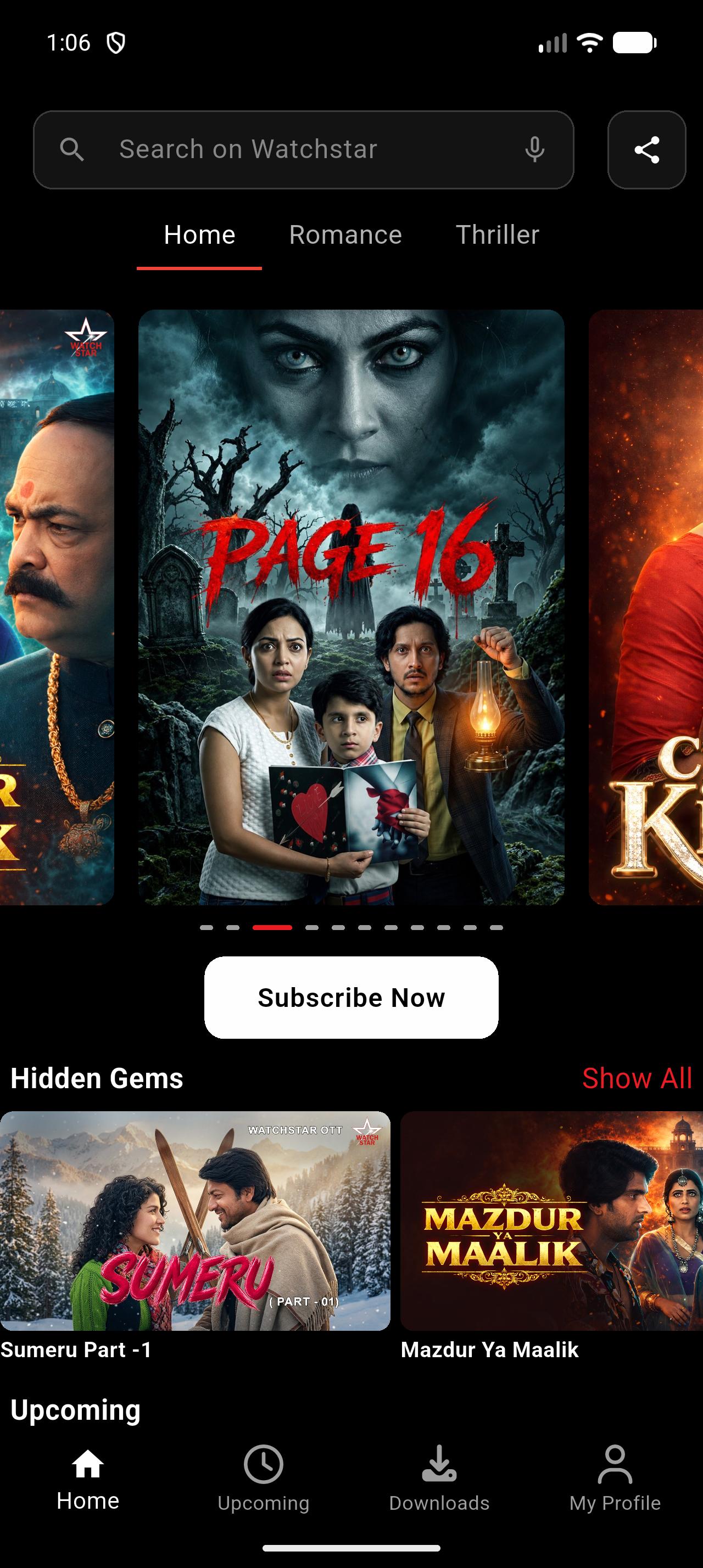
The top of the WatchStar home screen is not a row of posters. It is a carousel of video: each featured title plays a preview as it comes into view.
Moving video sells a show better than a still image. It is also the easiest way to make an app slow. Start a player for every slide and the phone runs out of memory. Start one only when a slide arrives and the viewer stares at a blank frame while it loads.
Three players, never more. The slide on screen and its neighbours on either side are loaded and waiting, so a swipe in either direction starts instantly. Everything further away is released.
One function decides what plays. The carousel should pause when the viewer scrolls away, switches tab, opens a title or backgrounds the app, and resume when they return. Rules like that usually end up scattered across a dozen event handlers that slowly disagree. Here, one function looks at the current state and decides what should be playing, and every event calls it.
It can be called any number of times and always gives the same answer. That is why two previews never talk over each other.
A catalogue the team can rearrange
How a catalogue is organised is a programming decision, and it changes all the time. In WatchStar, the structure of the app comes from the backend Apexnova built.
Tabs are defined on the server. Beside the fixed Home tab, the team can add genre tabs such as Drama, Crime or Thriller, order them, and fill each with its own rows.
Rows have types. Ordinary shelves, a numbered top-ten row, colour-themed shelves and a continue-watching row are layouts the app knows how to draw. The backend decides which appear and in what order.
No app update needed. A new tab or a reshuffled home screen reaches every viewer the moment it is published.
Vertical shows as first-class citizens
WatchStar carries vertical short-form shows next to its horizontal catalogue. They get their own experience, not a squeezed version of the film player: a full-screen vertical player you swipe through episode by episode, with likes, an episode list and a mute control on screen, plus a dedicated trailer page for each show.
A vertical show sits on shelves, in search and in continue watching right beside films and series, and opens at the episode the viewer had reached.
The player details people notice
Long-form viewing is where an app earns its subscription, and it is made of small things.
Brightness on screen. In fullscreen, viewers can adjust brightness without leaving the video.
Picture-in-picture. Video keeps playing in a small window while the viewer does something else.
A back button that behaves. In fullscreen, back leaves fullscreen and returns the phone to portrait. It does not throw the viewer out of the title.
Downloads. Films and episodes can be saved and watched offline, with pause and resume, from a Downloads tab and a dedicated offline player.
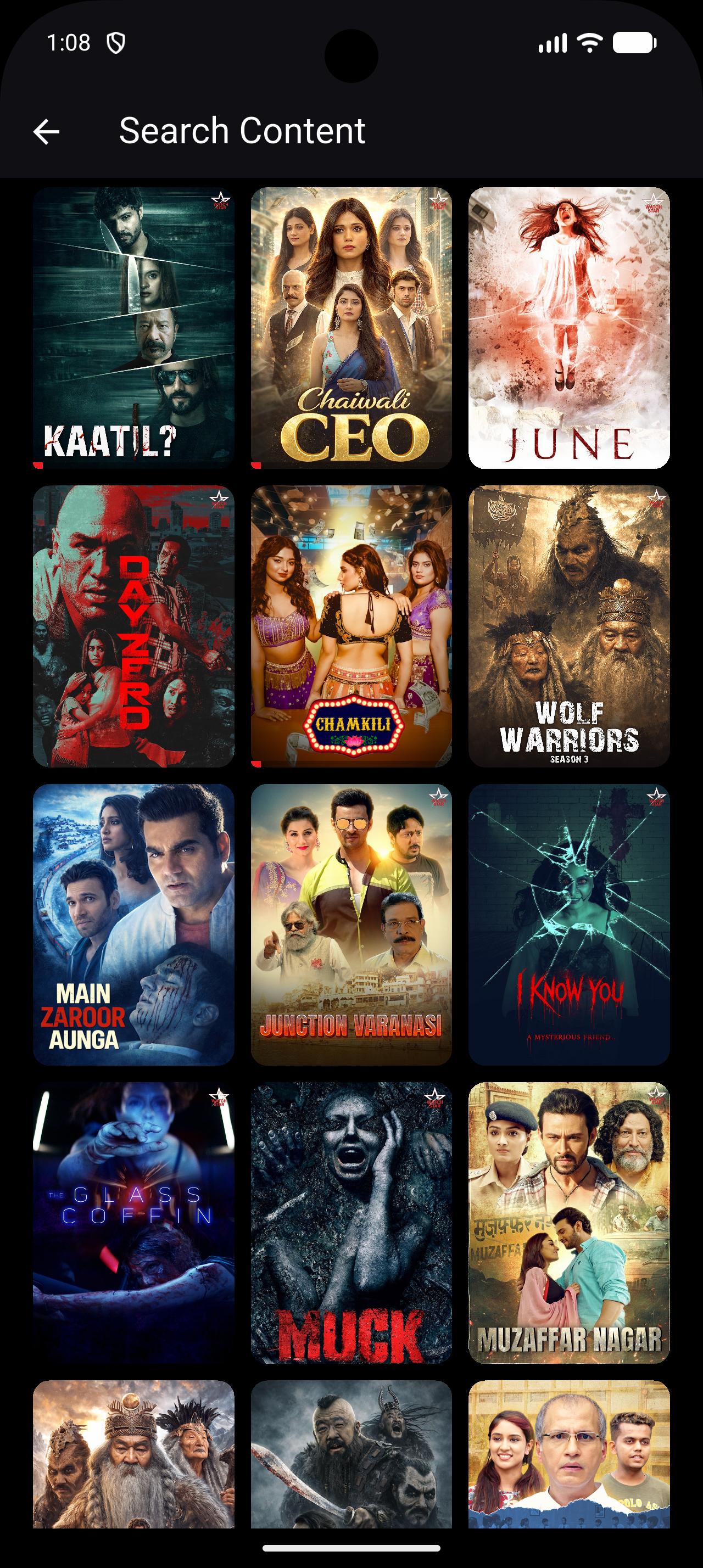
Search by voice. The search bar accepts spoken queries as well as typed ones.
Small features that keep viewers coming back
Continue watching that follows you. It is saved to the account, so it moves from phone to tablet to browser, and refreshes the moment someone signs in.
And lets you forget. Viewers can remove a title from the row. Most apps skip this, and it matters: nobody wants an abandoned show at the top of their home screen for months. It disappears instantly on the device, and the backend remembers the choice.
Reminders for what is coming. An Upcoming tab shows titles before they arrive. A viewer can ask to be reminded about any of them, and gets a notification for that specific title on release day. The reminder list is stored with the account, so it survives a new phone.
For a service built on regular releases, a reminder turns a launch date into an audience that is already waiting.
Trial offers the business can tune
New subscribers can be offered a low-cost introductory trial. The app knows the difference between someone who has never subscribed and someone coming back, so each sees the right offer.
The offer is configuration. Its price, its length and the wording on the card are set from the backend. The team can test a different offer without waiting for an app release, and the app falls back to sensible defaults when nothing is configured.
Marketing data the team can trust
A subscription business grows through paid campaigns, and campaigns only improve if the ad platforms learn which installs turned into subscribers.
Relying on the app alone to report that is fragile. Events are lost when a connection drops, when the app is closed mid-payment, or when tracking is limited on the device.
When a payment is confirmed, the backend itself tells the analytics and advertising platforms. The app's report is a second line of defence, not the only one.
The app connects the dots. Its job is to give the backend what it needs to match each report to the right install.
Marketing owns what is measured. The events a purchase should trigger are configured on the backend, so they can change without a release.
The result: campaign data the team can trust, and ad platforms that optimise for subscribers instead of downloads. We cover the wider topic in OTT campaign attribution.
One codebase, every screen
WatchStar is written in Flutter. The Android app, the iOS app and the website share one codebase and one backend. On the web, the vertical player and the catalogue pages have their own implementations where a browser needs them.
Phones, tablets and foldables are handled by one set of layout rules: on larger screens content is capped and centred and tiles stay in proportion, so a tablet shows a well-spaced page, not a stretched phone screen.
 Binj TV