
Most streaming apps pick a lane: long-form or short-form. Scroll TV refuses to.
Movies and web series, vertical microdramas, a swipeable reels feed and music all live behind one account. Doing that is not five times the screens. The hard part is what happens between them: what keeps playing when you leave a page, what stops when something else starts, and how one app stays coherent while holding three very different players.
Apexnova built all of it: the Android, iOS and web apps, the backend, and the whole video pipeline on ZeroBuffer, our own video infrastructure for encoding, storage and delivery.
Every format, one subscription
The person who watches a film on Sunday evening is the same person who scrolls short dramas on the commute and plays music while doing something else. Sending them to three apps means three sign-ins, three payments and three chances to lose them.
Scroll TV puts all of it in one place. That is simple to say and demanding to build, because each format expects different behaviour.
Movies and series. Watched horizontally, with a full set of controls, a quality menu and the option to download.
Microdramas and reels. Vertical and full-screen, and the next one must start the instant you swipe.
Music. Something you start and then stop looking at.
One account, one watchlist and one subscription sit underneath all of them.
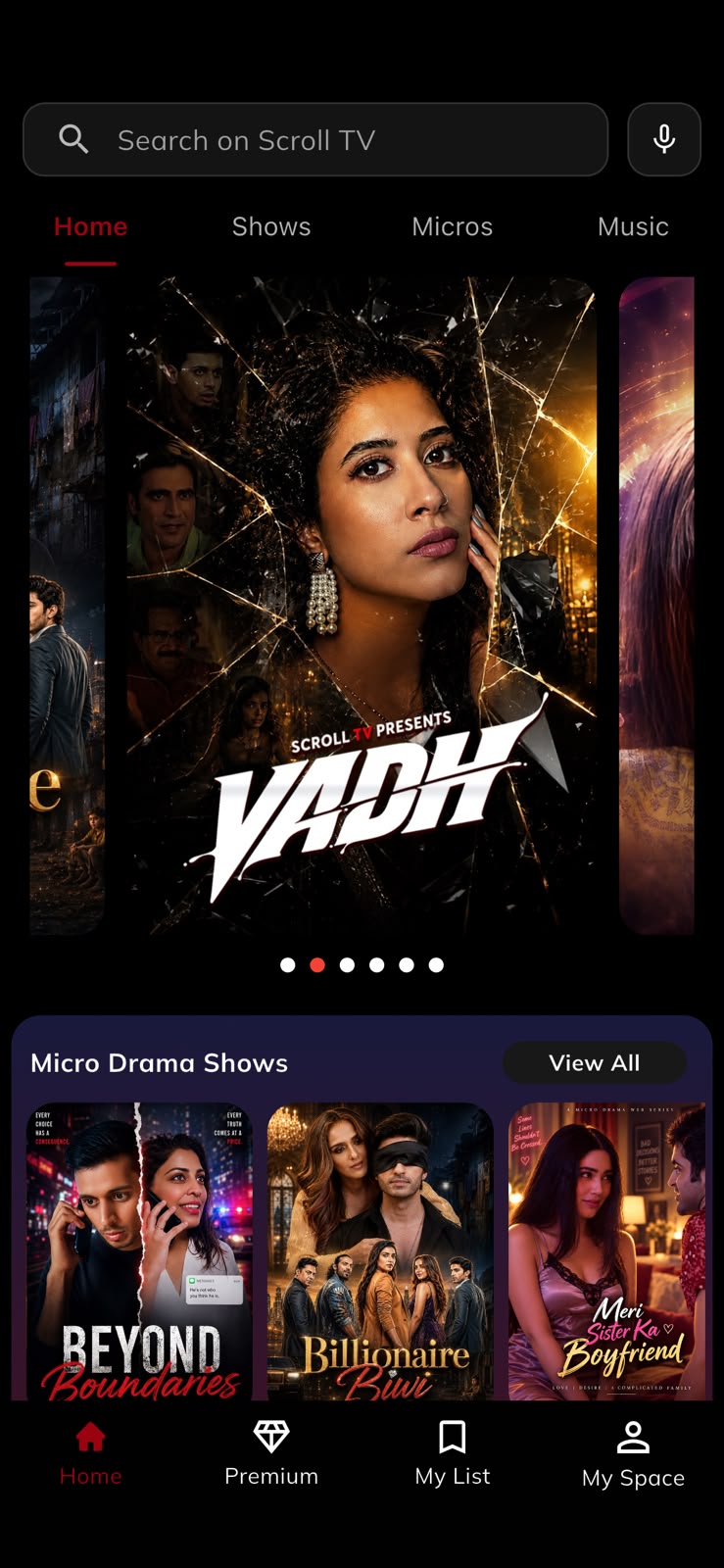
A home screen the content team controls
When a catalogue mixes five formats, the home screen becomes an editorial decision. Should this week open with a film, a run of microdramas or a row of categories? That answer changes constantly, and it should not need a developer.
The server describes the screen. The backend sends an ordered list of sections, and each one says what layout it is and what it holds: a hero carousel, a large grid, a ranked row of top titles, category tiles, colour-themed shelves or a continue-watching row. The app draws whatever it is given.
No release required. A new layout or a reshuffled home screen goes live without an app update and reaches every viewer at once.
Three players that never fight
This is the centre of the build. A long-form player, a vertical player and a music player each make sense on their own. Put them in one app and the interesting questions appear at the seams.
The player does not belong to the screen that created it. It belongs to something that lives longer.
Picture-in-picture that survives leaving the page
A viewer is partway through a microdrama episode and wants to look for something else. Normally, leaving the page ends playback.
In Scroll TV the episode drops into a picture-in-picture window and keeps playing while the viewer browses underneath. On iPhone, the player is handed to a session that outlives the page it started on. Tap the window and the page reopens on that same player, at the same moment, with no reload and no rebuffer. Close it, and the player is cleaned up.
A music player that never restarts
Music follows the pattern people know from audio apps: a full-screen player that shrinks to a bar at the bottom while you carry on browsing.
The usual way to build that treats the full-screen player as a page and closes it when the viewer minimises, which costs a gap or a restart in the audio. Scroll TV mounts the music player once, above the app's navigation, so minimising it is only a change of shape. The audio underneath is never touched.
Small behaviours make it feel finished. The collapsed bar sits above the bottom navigation where there is one, drops lower on screens without it, and steps aside when a dialog or sheet opens.
One thing plays at a time
With three players in one app, two will eventually try to make sound together. Scroll TV has one rule: when a video starts, music stops, and so does anything left running in picture-in-picture. Nobody ever has to hunt for the thing that is still playing.
The lesson for any multi-format app: playback state has to live above the screen that started it. Once it does, picture-in-picture, mini players and clean handoffs stop being special cases.
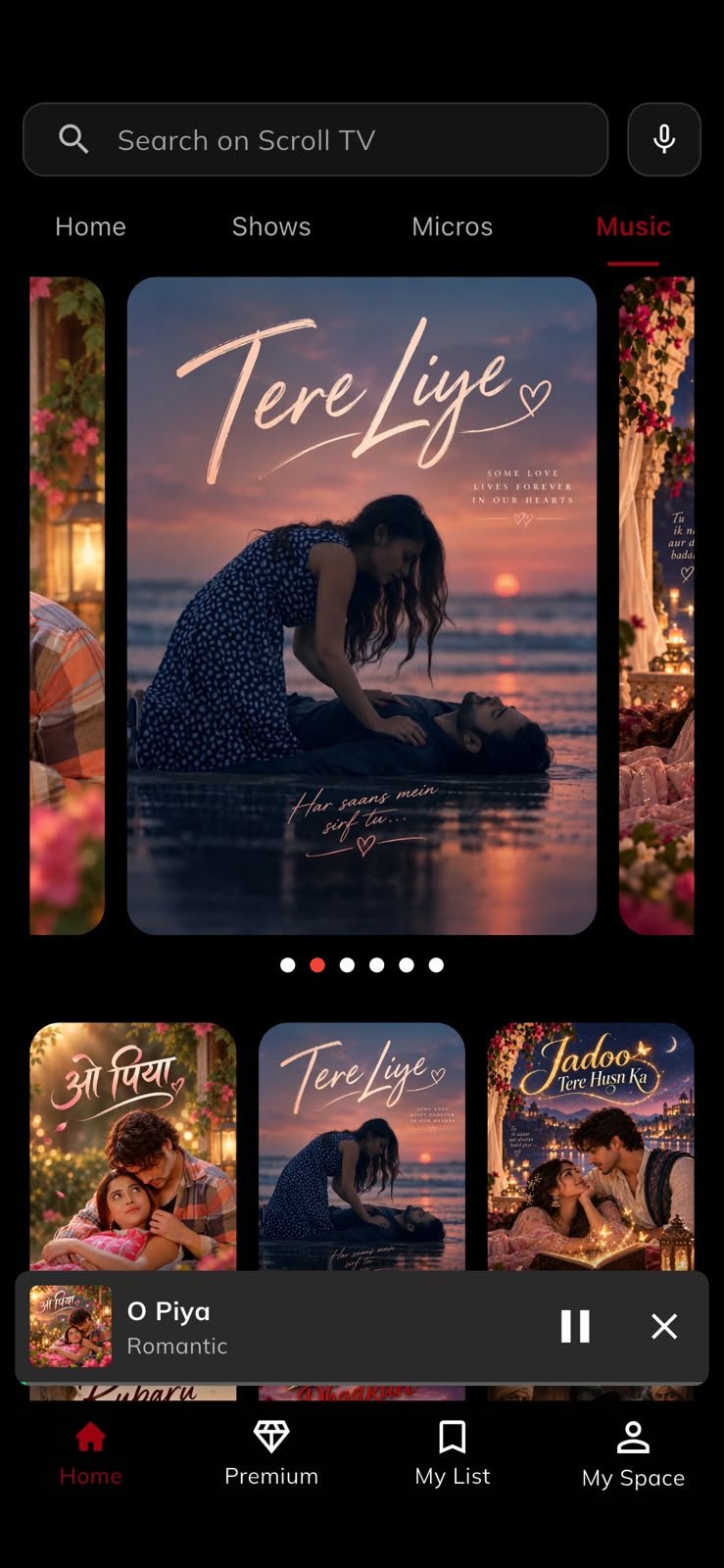
The details that make it feel finished
Quality labels that make sense for vertical video. Streams describe each quality level by width and height. A vertical episode in full HD is 1080 wide and 1920 tall, so a player that reads the height offers the viewer "1920p", a quality that does not exist. Scroll TV labels each level by the shorter side and snaps it to the standard ladder, so vertical and horizontal video both show the 720p and 1080p people expect.
Search by voice. The search screen accepts spoken queries as well as typed ones, which matters when titles span more than one language and script.
Downloads that work like they should. Movies and episodes can be saved for offline viewing. Downloads run in the background, pause and resume, and show their progress. A downloads library keeps everything in one place, and a dedicated offline player opens a saved title instantly with no network at all.
For anyone on mobile data or on the move, offline is often what decides whether an app gets used every day.
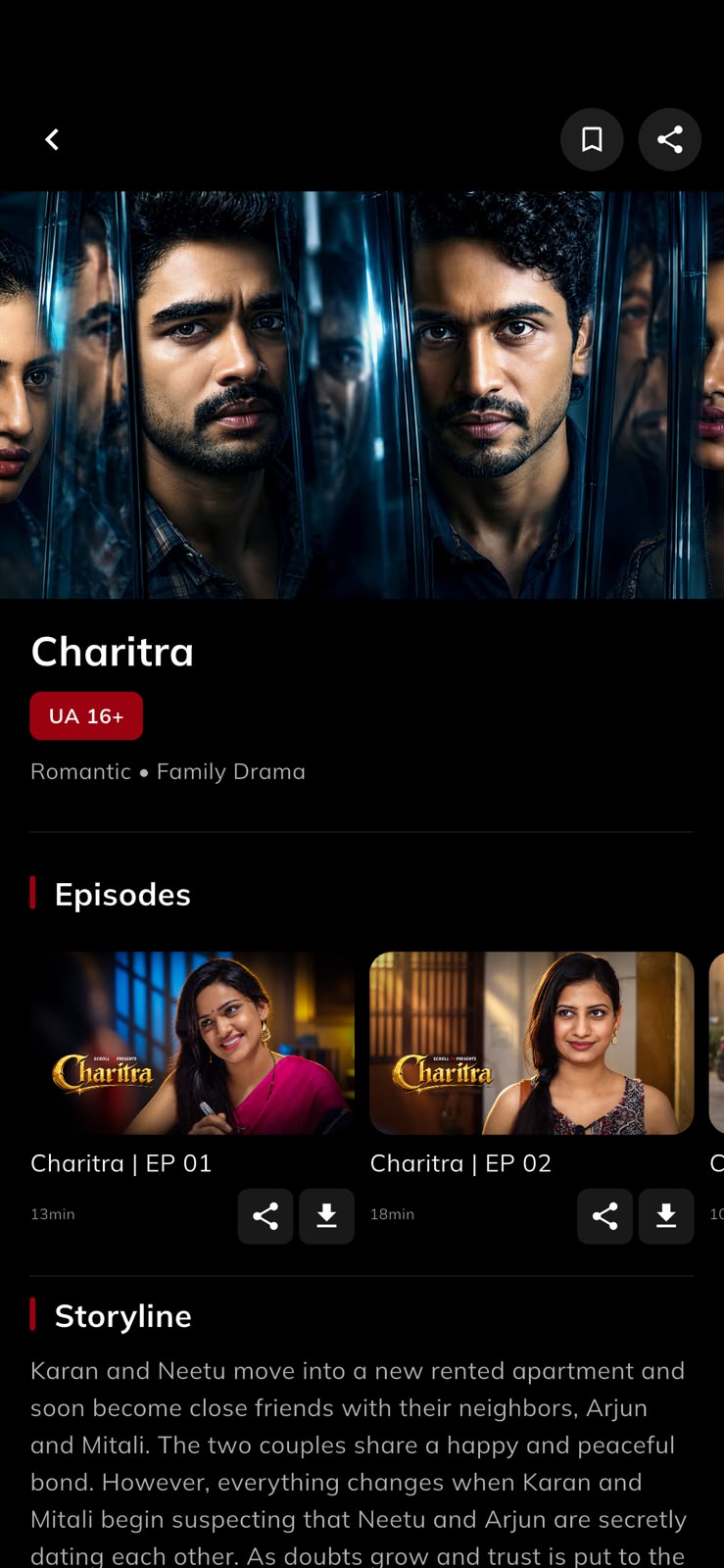
Fully in Hindi, not just translated
The entire interface is available in Hindi and English, and viewers can switch inside the app. This is full localisation, down to settings, error messages and the subscription flow, not a translated home screen.
Signing in is just as direct: a mobile number, or a Google, Facebook or Apple account.
One owner from upload to pixel
Apexnova built the backend Scroll TV runs on, and the video runs on ZeroBuffer, Apexnova's own video infrastructure product. ZeroBuffer encodes every title, stores it and delivers it to viewers.
That matters more than it might seem. In a typical streaming project the app, the API, the encoding and the delivery network belong to different vendors, and a playback problem turns into a debate about whose fault it is.
Here one team owns the whole path from the uploaded file to the pixel on the screen. A problem has one owner.
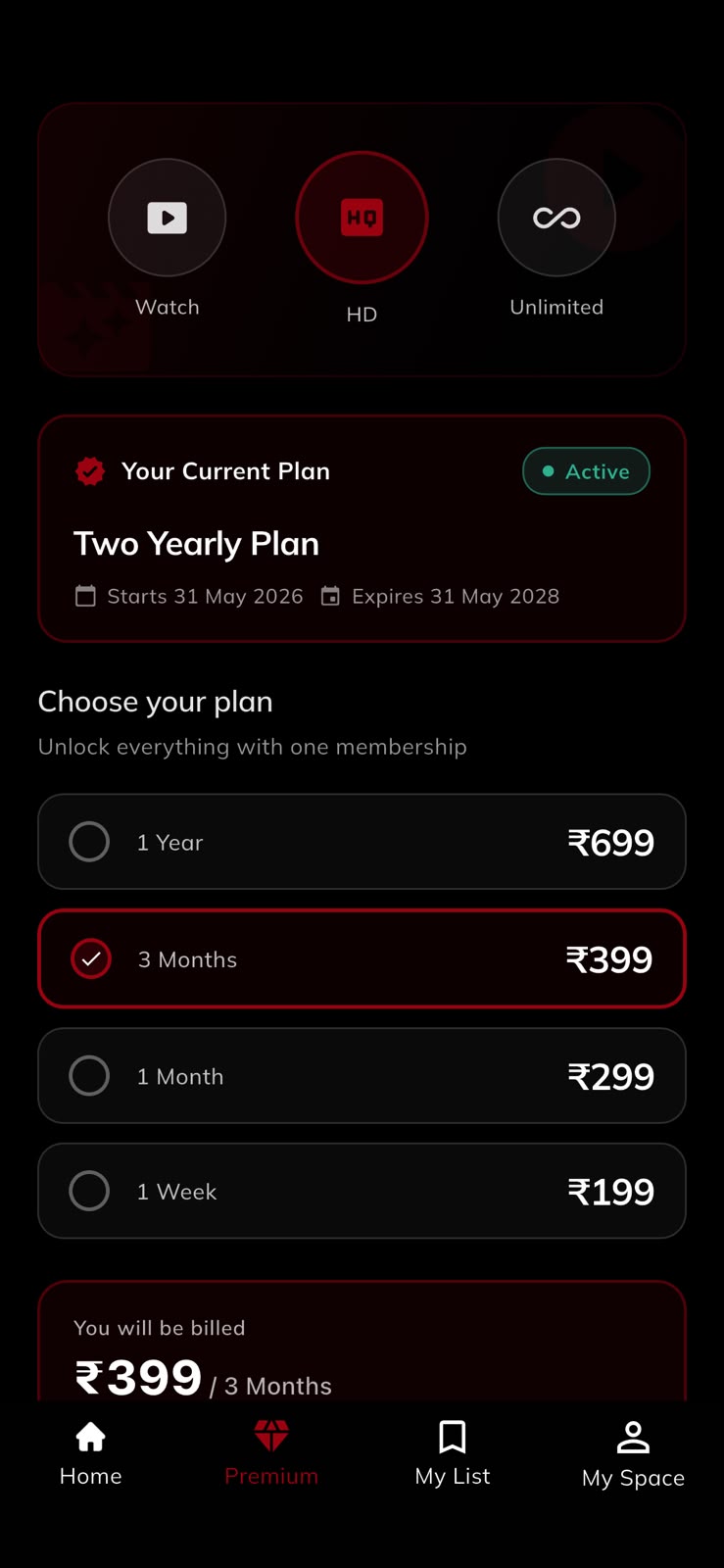
The backend also drives what viewers feel every day: the server-described home screen, continue watching saved to the account, a single watchlist across every format, subscription plans with coupon codes and referrals, and an in-app notification inbox.
For more on how we approach this layer, see video delivery and subscription streaming platforms.
One codebase, three platforms
Scroll TV is written in Flutter. The Android app, the iOS app and the website come from the same code, so accounts, the catalogue, subscriptions and localisation are written once.
Where the platforms need to differ, they do. The web version has its own video player and its own page layouts, because a browser is not a phone. Everything beneath is shared, which is what keeps a five-format, three-platform product maintainable.
 Bhaktidwar TV