

Firebase Dynamic Links Is Gone: A Migration Guide for OTT Apps
Firebase Dynamic Links shut down on August 25, 2025. For a streaming app, that did not cause one obvious outage. It caused dozens of quiet ones: the "Share this episode" button that stopped producing links, last season's QR code on a billboard that now returns a 404, the "New episode" email that drops readers on an error page, and new installs from campaigns that no longer open the show they clicked.
Most of those failures do not crash anything, so many OTT teams have not noticed all of them yet. This guide shows where Firebase Dynamic Links (FDL) tend to hide in a streaming product, what exactly broke, and a step-by-step plan to migrate and recover the links you can still save.
What actually happened to Firebase Dynamic Links
Google shut down Firebase Dynamic Links on August 25, 2025. Links on both page.link subdomains and custom domains stopped working, clicks return HTTP 404, the short-link and link-stats APIs return errors, and new links can no longer be created. That is stated in Google's Firebase Dynamic Links FAQ.
The same FAQ describes what happens inside apps that still ship the FDL SDK. The calls generally do not crash, which is exactly why the damage is easy to miss:
| What your app does | Behaviour after the shutdown | What the viewer sees |
|---|---|---|
| Creates a short link (share button) | Request fails with an error | Share sheet never opens, or shares nothing |
| Reads the link on first open (deferred deep link) | Returns empty data | New install lands on the home screen |
| Reads a link on reopen | Returns an error or empty data | App opens, but not on the shared episode |
| User clicks an old link | HTTP 404 | Error page instead of the show |
Two points matter for recovery. First, Google states that page.link domains cannot be kept or transferred, so links on those domains are gone for good. Second, if you used FDL on a custom domain that you own, you still control that domain and can point it at a new link service. Those old links can be brought back to life.
Where Firebase links hide in an OTT app
Before changing code, find every place links were created or consumed. Streaming products tend to have more of them than teams remember.
| Surface | How FDL was usually used | Typical symptom now |
|---|---|---|
| "Share episode" and "Share show" buttons | buildShortDynamicLink at share time | Share fails or sends a dead link |
| Referral or "invite a friend" programs | Per-user short links | Referrals stop being credited |
| "New episode" and newsletter emails | Links baked into email templates | Readers hit a 404 |
| Push notifications | Payload URLs | Opens the app home or nothing |
| Paid campaigns | Deferred deep links to titles | Installs land on the home screen |
| QR codes on TV, posters, and packaging | Printed page.link URLs | Scans return a 404 |
| Partner and talent social posts | Shared links in bios and posts | Fans hit an error page |
| Email-link sign-in or verification | Firebase Authentication email links | Sign-in emails may fail; check Google's FAQ section on Authentication |
To find them, search your mobile codebases for page.link, FirebaseDynamicLinks, buildShortDynamicLink, getDynamicLink, and handleUniversalLink. Search your backend, email templates, CMS, and push tooling for page.link and your custom FDL domain. Ask marketing for every live campaign, QR code, and partner link.
Step-by-step migration plan
1. Inventory and prioritise
List every link surface from the audit with an owner and a priority. For most OTT apps the order is: share buttons and deferred deep linking for campaigns first (they affect new users and growth today), then email and push templates, then printed and partner links.
2. Decode what each link did
A long-form FDL URL carries its routing in parameters: link is the destination, apn and ibi are the Android package and iOS bundle IDs, isi is the App Store ID, afl, ifl, and ofl are fallback URLs, and st, sd, and si set the social preview. Deeplinkly's free Firebase Dynamic Links migration checker decodes a long-form link in your browser and shows the equivalent setting for each parameter. Short page.link URLs can no longer be resolved by anyone, so look for the long-form versions in your code, exports, or analytics tools.
3. Choose the replacement
Google's FAQ gives two paths. If you only need links to open an installed app, platform Universal Links and App Links are enough. If you need FDL's full behaviour, including store routing and deferred deep linking for new installs, you need a deep linking provider.
Most streaming apps need the second path, because campaigns and shares reach people who do not have the app yet. Deeplinkly was built as a Firebase Dynamic Links alternative: it covers deep linking, deferred deep linking on iOS and Android, and branded custom domains, and it adds install attribution and campaign analytics that FDL never offered. Its first 25,000 attributed installs are free, then pricing starts at $0.006 per attributed install with no monthly fee.
4. Set up the domain and app identity
Pick a branded link domain such as watch.yourbrand.com. If you used a custom domain with FDL, reuse it so old links can be repointed. Add your iOS Team ID, bundle ID, and App Store ID, and your Android package name and Play App Signing fingerprint. These are set once and apply to every link. Deeplinkly's AASA and assetlinks.json generator is useful if you also host verification files on your main website.
5. Swap the SDK and rewire routing
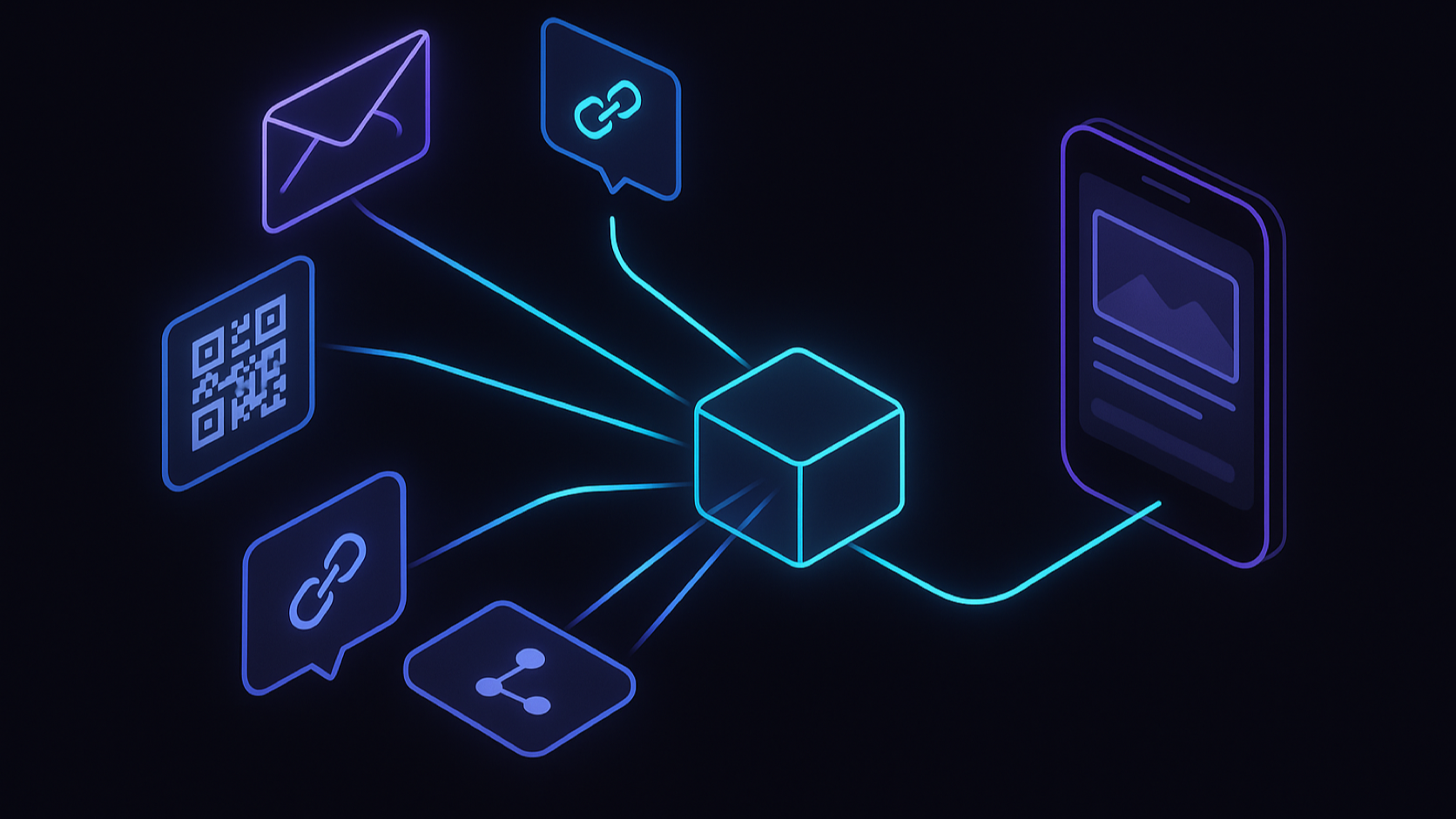
Remove the Firebase Dynamic Links dependency and add the new SDK. Deeplinkly has SDKs for iOS, Android, Flutter, and React Native. Then connect its callbacks to the same routing code your FDL handlers used:
- First open after install: read the deferred link and open the show or episode.
- Link tapped while installed: open the destination from both cold and warm starts.
- Share buttons: generate links with the new SDK or API, keeping the content ID in the path.
This is also the moment to fix routing that FDL hid. Make sure the destination survives profile selection and sign-in, and that unavailable titles fall back to a related page instead of an error.
6. Recreate templates and repoint old links
Rebuild email, push, and campaign link templates on the new domain. For a custom domain you used with FDL, repoint it to the new service and recreate the important old paths so links already in inboxes and on posters work again. For page.link links that cannot be revived, update the source wherever you control it: email templates, CMS pages, partner bios, and the next print run of QR codes.
7. Test on fresh installs, then monitor
Test every surface on clean devices on both platforms: share from the app, open the shared link with and without the app installed, scan a QR code, tap an email link, and receive a push. Then watch 404s on your old custom domain and the share-to-open rate for the first few weeks. A rising 404 count usually points to a link source you missed in the audit.
What OTT apps gain beyond feature parity
A migration you were forced into is still a chance to fix what FDL never did well for streaming.
| Capability | Firebase Dynamic Links | A modern link platform |
|---|---|---|
| Deferred deep linking | Supported until shutdown | Supported |
| Branded custom domains | Supported until shutdown | Supported |
| Analytics | Click statistics | Clicks, installs, and in-app events per campaign |
| Title-level reporting | Not built in | Possible with tagged links |
| Active development | Ended | Ongoing |
The biggest gain is measurement. With attribution on the same links that route users, you can see which shows, creatives, and channels produce subscribers, which we cover in our OTT campaign attribution guide. Correct routing also lowers acquisition cost directly, as explained in how deferred deep linking cuts OTT CAC.
Frequently asked questions
Do Firebase Dynamic Links still work in 2026?
No. Google shut the service down on August 25, 2025. Clicks on existing links return a 404 and the APIs for creating short links return errors, so any links still in emails, ads, QR codes, or apps are broken.
Can I recover old page.link URLs?
No. Google does not let you keep or transfer page.link domains, so those URLs cannot be redirected. You can only replace them at the source. Links on a custom domain you own can be recovered by pointing that domain at a new link service.
Will my app crash if it still includes the Firebase Dynamic Links SDK?
According to Google's FAQ, the SDK calls return errors or empty data rather than crashing. That is why the failure is easy to miss: share buttons and deferred deep links simply stop working. Remove the SDK and replace it during your next release.
How long does a Firebase Dynamic Links migration take?
The SDK swap and domain setup can take one to two days for a typical app. Deeplinkly reports that most teams finish in under 48 hours. Auditing every email template, campaign, and printed QR code usually takes longer than the code change.
Is Universal Links and App Links enough to replace Firebase Dynamic Links?
Only if every user already has your app installed. Universal Links and App Links open installed apps but cannot carry a destination through an app store install. Streaming apps that run campaigns or let viewers share episodes with friends usually need deferred deep linking as well.
Fix the links your viewers are still clicking
If your OTT app shipped Firebase Dynamic Links at any point, assume something is still broken until your audit proves otherwise. Start with share buttons and campaign links, because they affect new viewers every day, then work through email, push, and printed links.
Start your migration free on Deeplinkly, or talk to Apexnova if you want our team to audit and rewire link routing across your streaming apps.