

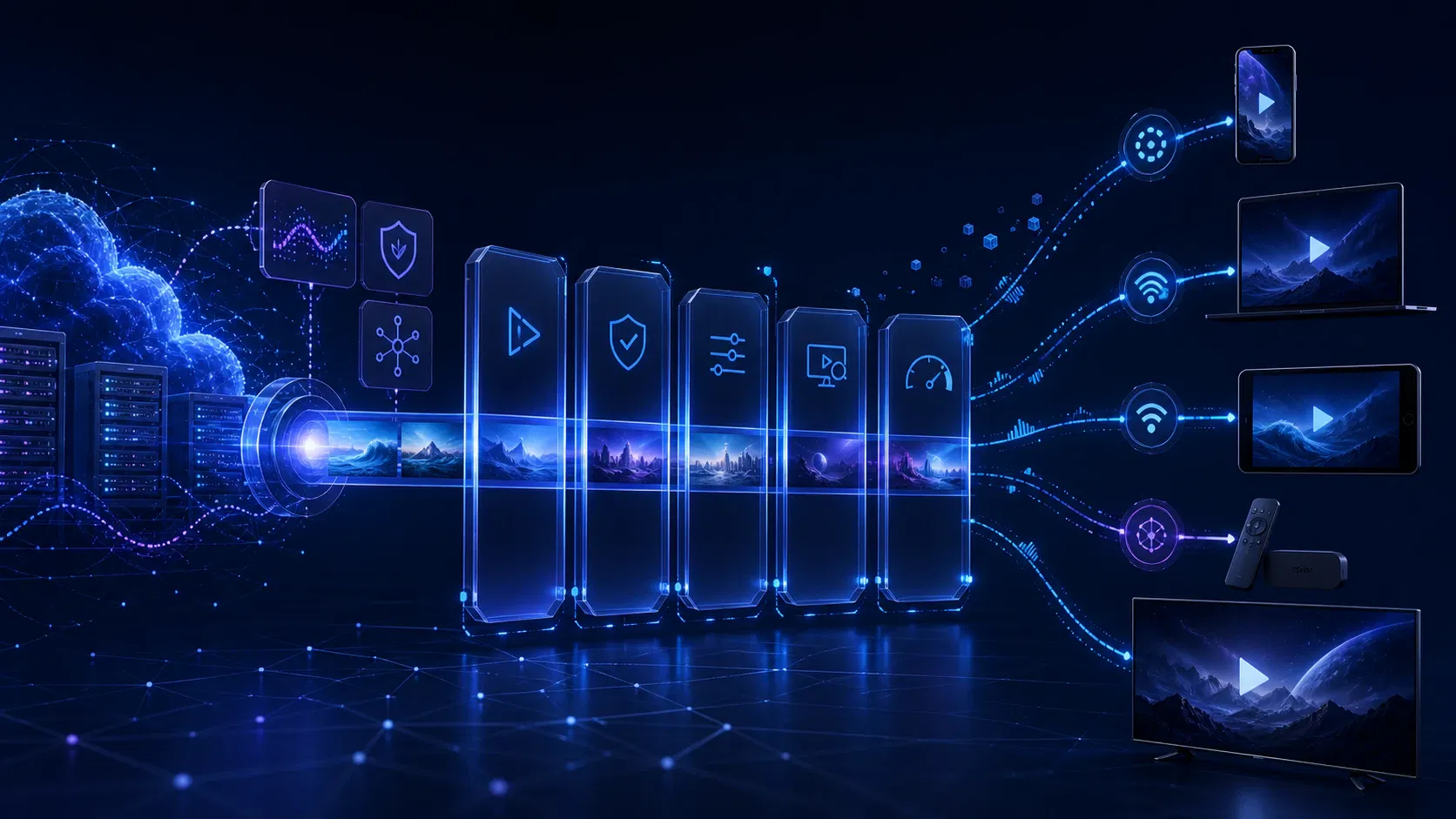
OTT Testing: A Release-Ready QA Guide for Streaming Platforms
A stream that works on a developer's laptop can still fail on a living-room TV, stall when Wi-Fi becomes unstable, or reject a paying viewer when a DRM license expires. Those failures cross player code, packaging, CDN delivery, identity, payments, ads, and device-specific behavior. OTT testing is how a streaming team proves that the whole viewing journey works under the conditions its audience will actually encounter.
This guide gives product and engineering leaders a practical way to define coverage, choose release gates, and turn production analytics into the next test cycle. The goal is not an enormous checklist. It is evidence that the highest-risk viewer journeys are ready to ship.
What is OTT testing?
OTT testing is the end-to-end validation of a streaming service across content, playback, applications, devices, networks, accounts, monetization, security, and analytics. It confirms not only that video can play, but that an entitled viewer can discover, start, control, and complete the right content at an acceptable quality on every supported platform.
That distinction matters. A green API test can coexist with a black video frame. A valid manifest can coexist with unreadable captions. A responsive app can coexist with failed license renewal after 30 minutes. OTT platform testing has to follow the experience from source to screen.
The test boundary normally includes:
| Layer | What can fail | What to prove |
|---|---|---|
| Content and metadata | Missing artwork, wrong ratings, bad language tracks | The correct asset, metadata, captions, and audio are available by region |
| Encoding and packaging | Broken renditions, timestamp drift, segment gaps | HLS or DASH outputs conform and switch cleanly |
| Delivery | Origin errors, cache misses, regional latency | Segments remain available and playback survives delivery degradation |
| Player | Slow start, stalls, frame drops, A/V sync errors | Playback is stable across network and device conditions |
| Product flows | Login, search, entitlement, resume, profiles | The full viewer journey works across sessions and devices |
| Monetization | Payment, ads, subscription, purchase restore | Revenue flows grant the right access and recover from failure |
| Protection | DRM, tokens, concurrency, geo-policy | Authorized viewers play content while policy violations are blocked |
| Observability | Missing or inconsistent events | Teams can detect, segment, and diagnose real playback failures |
Why ordinary app QA is not enough
Streaming adds time, state, and environmental variability to familiar software testing. The same asset may behave differently across codec support, screen capabilities, DRM levels, OS versions, player implementations, network paths, and geography. Live content adds clock drift and concurrency spikes; ad-supported services add decisioning and splice boundaries; downloads add persistent licenses and storage constraints.
The device matrix is also unusually consequential. Web emulation cannot reproduce a TV remote, hardware decoder, HDCP path, native DRM implementation, or an app-store certification rule. Simulators are useful for fast feedback, but a release decision needs representative real hardware.
Finally, quality is continuous rather than binary. Playback can technically succeed while taking too long to start, spending too much time rebuffering, staying at an unnecessarily low bitrate, or dropping frames. That is why test assertions and OTT analytics must share the same quality-of-experience vocabulary.
Build a risk-based OTT testing matrix
Trying every title on every device and network is usually impossible. A useful matrix reduces the space without hiding material risk.
Start with five dimensions:
- Platforms and devices: browser engines, phone and tablet models, connected-TV families, streaming sticks, set-top boxes, consoles, and OS versions.
- Content profiles: live and VOD, short and long form, SD through 4K, SDR and HDR, frame rates, codecs, audio formats, subtitles, and ad modes.
- Viewer states: anonymous, registered, subscribed, expired, child profile, geo-blocked, concurrent-session limit, and downloaded-content states.
- Network conditions: strong and weak bandwidth, latency, jitter, packet loss, disconnects, recovery, Wi-Fi-to-cellular changes, and CDN or origin failure.
- Critical journeys: discovery to play, purchase to entitlement, live join, seek, resume, casting, ad break, download, license renewal, and cancellation.
Use production device share and business importance to set tiers. Tier 1 should contain the combinations responsible for most viewing or revenue and run before every release. Tier 2 covers meaningful long-tail combinations on a scheduled cadence. Tier 3 catches low-volume or obsolete platforms through smoke tests and incident-driven validation.
Do not reduce the matrix by device model alone. Two TVs from one manufacturer may have different operating-system versions, memory constraints, decoder capabilities, or DRM behavior. Record the attributes that explain playback—not just the marketing name on the case.
OTT testing checklist for the viewer journey
Validate the stream before opening the app
Catch malformed media as close to packaging as possible. Validate master and media playlists or MPDs, segment availability, timestamps, declared bandwidth, rendition alignment, discontinuities, codecs, encryption signaling, captions, audio groups, and trick-play tracks.
Apple recommends mediastreamvalidator and hlsreport for HLS checks, while warning that automated validation does not replace viewing a stream under varied network conditions. For MPEG-DASH, the DASH-IF Conformance Tool checks MPDs, media segments, and agreement between the two. These checks belong in the content pipeline so a bad asset is quarantined before it reaches the catalog.
Test playback and adaptive bitrate behavior
Cover play, pause, seek, resume, next episode, backgrounding, picture-in-picture, audio and caption changes, full-screen transitions, and long playback sessions. Then add adverse conditions: bandwidth steps up and down, latency rises, packets disappear, the network disconnects, or the CDN returns errors.
Assert outcomes rather than a specific bitrate-selection algorithm. Playback should begin within the service's agreed threshold, adapt without an avoidable stall, recover cleanly after connectivity returns, and avoid oscillating between renditions. Check audio/video synchronization, frame drops, decoder errors, subtitle timing, and whether manual quality selection behaves as designed.
Exercise identity, entitlement, and commerce
Test sign-up, sign-in, password reset, device activation, profiles, parental controls, account limits, purchase, subscription changes, cancellation, grace periods, refunds, and purchase restoration. Verify the same entitlement at the API, application, and player layers.
Pay special attention to asynchronous states. A successful payment followed by delayed entitlement is a severe viewer failure even if both systems eventually become consistent. Test retries and idempotency so a timeout does not produce a double charge or two contradictory account states.
Verify DRM and content-policy paths
DRM testing should cover license acquisition, renewal during a long session, expiry, offline licenses, key rotation, device security levels, HDCP or output restrictions, concurrency rules, screen capture policy, and understandable error handling. Include both positive and negative cases.
Google documents separate test and production environments for its Widevine Cloud License Service, but an integration test still has to cover the platform's license proxy and business rules. A happy-path test asset does not prove that real entitlements, tokens, device policy, and renewal behavior work together.
Test live streams and ads as stateful systems
For live content, measure join time, latency to the live edge, drift, catch-up, DVR boundaries, program transitions, blackout policy, failover, and recovery after an encoder or delivery interruption. Rehearse peak demand with the same authentication, entitlement, schedule, and metadata services used in production—not just the video origin.
For AVOD and FAST, validate ad-decision timeouts, cue markers, client- or server-side insertion, content-to-ad transitions, tracking beacons, frequency rules, captions, loudness, seeking restrictions, and return to content. Test empty ad responses and partial ad pods. Revenue and playback continuity should both survive a recoverable ad-system failure.
Include accessibility and localization in the release gate
Check remote, keyboard, screen-reader, switch-control, focus order, contrast, labels, caption controls, audio descriptions, and reduced-motion behavior where relevant. Captions need correct timing, line breaks, speaker identification, positioning, styling, and language selection across every player family.
The W3C guidance for WCAG 2.2 Success Criterion 1.2.2 requires captions for prerecorded synchronized audio and explains that captions include meaningful non-speech information, not dialogue alone. Localization tests should also cover text expansion, right-to-left layouts, number and date formats, regional artwork, content windows, and policy messages.
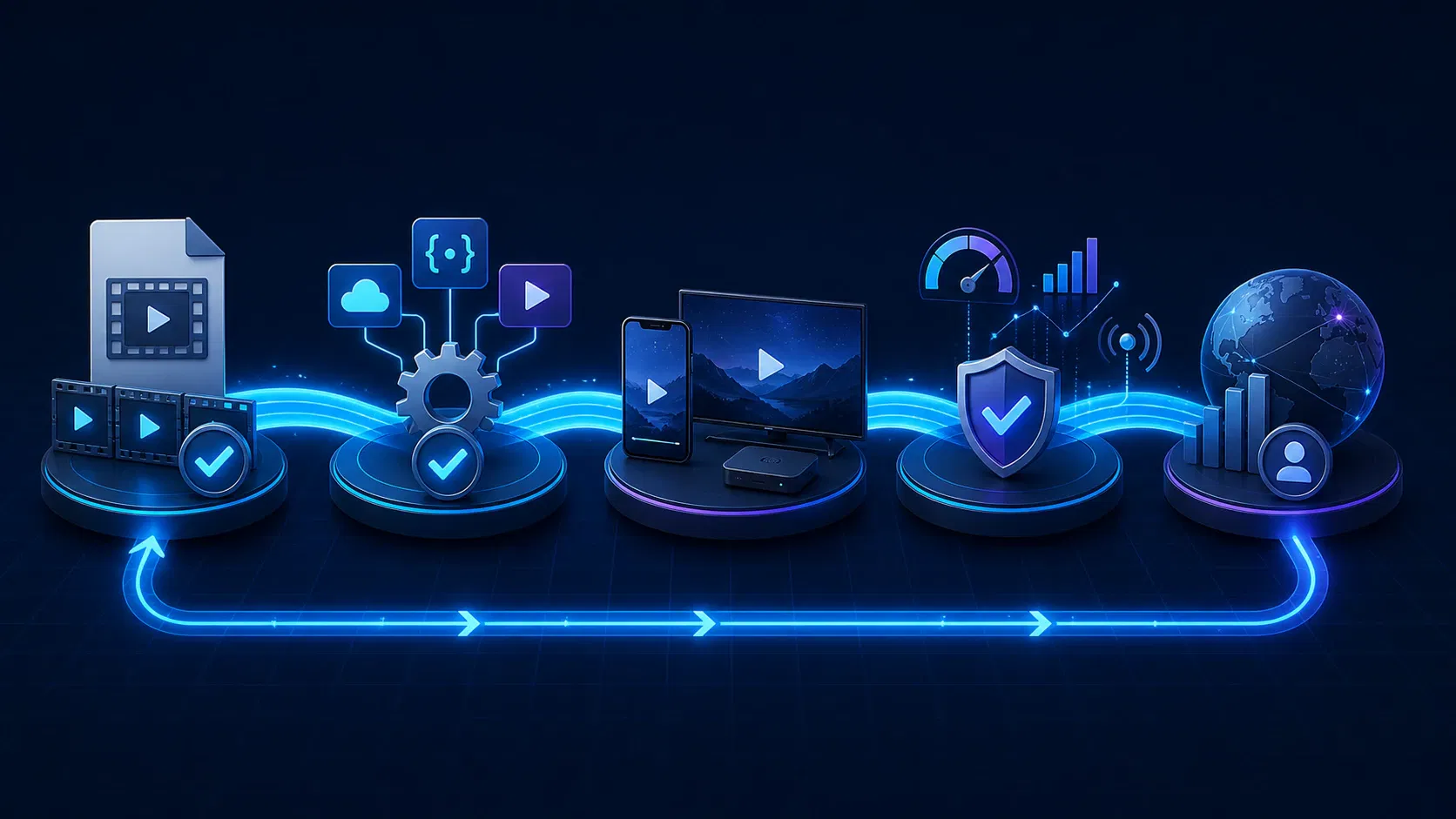
How to turn OTT testing into a release system
1. Define quality gates before implementation
Translate product risk into measurable acceptance criteria. Examples include maximum playback-start time by device tier, allowed playback-failure rate, rebuffering budget under a named network profile, caption coverage, crash-free sessions, and zero unresolved critical entitlement defects. Each threshold needs an owner, data source, test environment, and exception process.
Avoid copying universal “industry benchmarks.” A low-latency sports service, a downloadable education catalog, and a free FAST channel have different trade-offs. Baseline the current service, segment by audience and device, then tighten thresholds that protect the business outcome.
2. Automate at the lowest reliable layer
Manifest validation, API contracts, catalog rules, entitlement decisions, analytics schemas, and deterministic player actions are strong automation candidates. Run fast checks on each change, broader regression suites nightly, and load or resilience scenarios before risky releases and major live events.
Keep manual testing for perceptual and exploratory work: picture quality, audio defects, remote-control feel, confusing recovery messages, caption readability, and unfamiliar device behavior. Automation creates repeatability; human review catches failures that are difficult to express as stable assertions.
3. Use real devices strategically
Build a small in-house Tier 1 lab and add a device cloud or external lab for breadth when appropriate. Keep firmware and app versions visible, reset devices predictably, and control test accounts and content fixtures. Before app-store submission, run the store's current certification checklist on the actual target devices.
Apexnova's OTT app development work can include the device matrix, playback telemetry, DRM paths, and release gates as part of the platform build. That is most useful when QA needs to be designed across native apps and streaming infrastructure rather than added after feature development.
4. Make telemetry part of the test contract
Every test session should emit the same events needed in production: playback request, first frame, bitrate changes, buffering start and end, fatal error, exit, ad events, and device and content context. Android's Media3 provides AnalyticsListener and PlaybackStats for measures such as average resolution, dropped frames, bytes read, and playback outcomes, as described in the official analytics documentation.
Validate event order, identifiers, timestamps, sampling, consent behavior, and delivery during offline or interrupted sessions. If a test fails but engineers cannot reconstruct the session, observability is part of the defect.
5. Close the loop with production data
After release, compare synthetic tests with real-user data by app version, device, OS, ISP, region, CDN, content, and player error. Turn recurring failure clusters into deterministic regression cases. Remove low-value tests that never catch relevant defects, and increase coverage around combinations responsible for actual incidents or revenue.
OTT analytics metrics that make useful release gates
| Metric | Definition | What it can reveal |
|---|---|---|
| Video start failure | Attempts that never reach the first frame | Entitlement, DRM, manifest, decoder, or delivery failure |
| Time to first frame | Time from an intentional play request to rendered video | Slow authorization, player preparation, manifest, or segment delivery |
| Rebuffer ratio | Buffering time divided by the relevant session time | Insufficient throughput, ABR behavior, CDN issues, or encoding choices |
| Average delivered quality | Time-weighted bitrate or resolution | Persistent under-delivery despite successful playback |
| Quality-switch rate | Frequency and direction of rendition changes | Network instability or an oscillating ABR strategy |
| Dropped-frame rate | Dropped frames relative to playback time | Decoder, rendering, thermal, or device-performance problems |
| Playback error rate | Fatal playback errors per attempt or session | Release regressions segmented by device, content, and network |
| Crash-free sessions | Sessions without application termination | App stability across real usage duration |
Define formulas centrally. For example, decide whether startup time begins at the tap or after entitlement, and whether user-paused time is excluded from rebuffer calculations. Without shared definitions, test dashboards and production dashboards can appear to disagree while both are technically correct.
Common OTT platform testing mistakes
- Testing only happy-path VOD: This misses live drift, ads, downloads, expired accounts, network recovery, and long-session license renewal.
- Treating a device emulator as a TV: Emulators cannot prove remote behavior, hardware decoding, memory pressure, DRM security level, or output protection.
- Load-testing only the media origin: Login, entitlement, schedules, personalization, license services, and ad decisioning can fail first during a popular event.
- Passing playback when a frame appears: A complete assertion includes start time, sustained playback, quality, sync, controls, telemetry, and recovery.
- Using a static device list: Production share, new OS releases, firmware updates, and app-store requirements should change test priority.
- Separating QA from monitoring: A release test that emits different data from production cannot validate alerts or speed diagnosis.
- Leaving accessibility until certification: Caption, focus, and remote-navigation defects often require product or player changes, not last-minute content fixes.
Frequently asked questions
What is the difference between OTT testing and video streaming testing?
Video streaming testing often focuses on media delivery and player quality. OTT testing includes that work plus the product around it: applications, devices, discovery, identity, entitlements, subscriptions, ads, security, accessibility, analytics, and operational recovery.
Which devices should an OTT platform test?
Test every supported platform, but prioritize real device and OS combinations using viewing share, revenue, growth markets, technical risk, and certification requirements. Keep the highest-value combinations in a release-blocking Tier 1 suite and cover the long tail on a scheduled basis.
Can OTT testing be fully automated?
No. Teams can automate manifest validation, APIs, entitlements, analytics, repeatable player flows, network scenarios, and regression checks, but visual quality, audio defects, usability, remote-control behavior, and exploratory testing still benefit from human judgment on real devices.
How do you test adaptive bitrate streaming?
Play representative content under controlled bandwidth, latency, jitter, and packet-loss profiles, then change those conditions during playback. Measure startup, stalls, rendition changes, delivered quality, recovery, and errors; assert viewer outcomes rather than requiring one specific bitrate decision sequence.
When should OTT testing begin?
Begin when requirements and architecture are being defined. Early test design exposes unsupported device assumptions, missing telemetry, unclear entitlement states, and packaging constraints before they become expensive cross-platform defects.
What should block an OTT release?
A release should stop for unresolved failures in critical journeys or breached quality gates: widespread start failures, broken entitlement or payment, severe rebuffering, DRM regressions, crashes, inaccessible core controls, incorrect regional policy, or missing telemetry needed to detect harm. The exact thresholds should be agreed before testing begins.
Conclusion
An OTT test plan is ready when it can answer three questions with evidence: Can the intended viewer start the intended content? Will playback remain usable under realistic device and network conditions? Can the team detect and diagnose failures after release?
If those answers depend on a developer's laptop or an unprioritized checklist, pause the release and build the matrix, gates, and telemetry first. If they are supported by layered automation, representative real-device testing, and production feedback, ship with a controlled rollout and watch the same metrics that qualified the build.