

HDMI HLS Encoder: How to Set One Up for Live OTT Streaming
On the bench, the encoder looked finished. You plugged a camera into its HDMI port, opened the web panel, copied the .m3u8 address, and the stream played in Safari within seconds. Then on match day, a few hundred viewers opened the app at kickoff, the venue uplink saturated, and the playlist started returning timeouts.
An HDMI HLS encoder is one of the cheapest, most reliable ways to get a live signal into an OTT service. Most failures come from asking the box to do two jobs: encoding the picture and serving it to an audience. The industry is moving the second job to the cloud. One market report puts SRT-to-HLS transcoding at $1.78 billion in 2026, up from $1.54 billion in 2025 (Source: Yahoo Finance, 2026).
This guide explains what the encoder should and should not do, the settings that matter, how to wire it into a mobile app or streaming website, and the failures to rehearse before you go live.
What is an HDMI HLS encoder?
An HDMI HLS encoder is a hardware device that takes an uncompressed HDMI video and audio signal, compresses it (usually to H.264 or H.265 with AAC audio), and outputs it as an HTTP Live Streaming feed of short media segments plus an .m3u8 playlist. Most units also output RTMP, SRT, RTSP or UDP, which is how professional OTT services actually use them.
The HDMI side accepts anything with a standard output: a camera, a production switcher, a laptop, or a set-top box. The network side is where models differ. A budget HDMI video encoder might offer HLS and RTMP over one Ethernet port. A broadcast-grade HDMI to IP encoder adds SRT, multiple simultaneous outputs, local recording, and an API for remote control.
The word "HLS" on the spec sheet is the part that misleads people. It means the box can produce an HLS stream. It does not mean the box should be the place your viewers fetch it from.
Two jobs for an HDMI HLS encoder: direct playback or contribution
There are two architectures, and the difference decides whether your launch survives its first busy evening.
In direct playback, the encoder creates the HLS segments and hosts them on its own built-in web server. The app or website points at the box's address, so every viewer pulls video from a device on your local network.
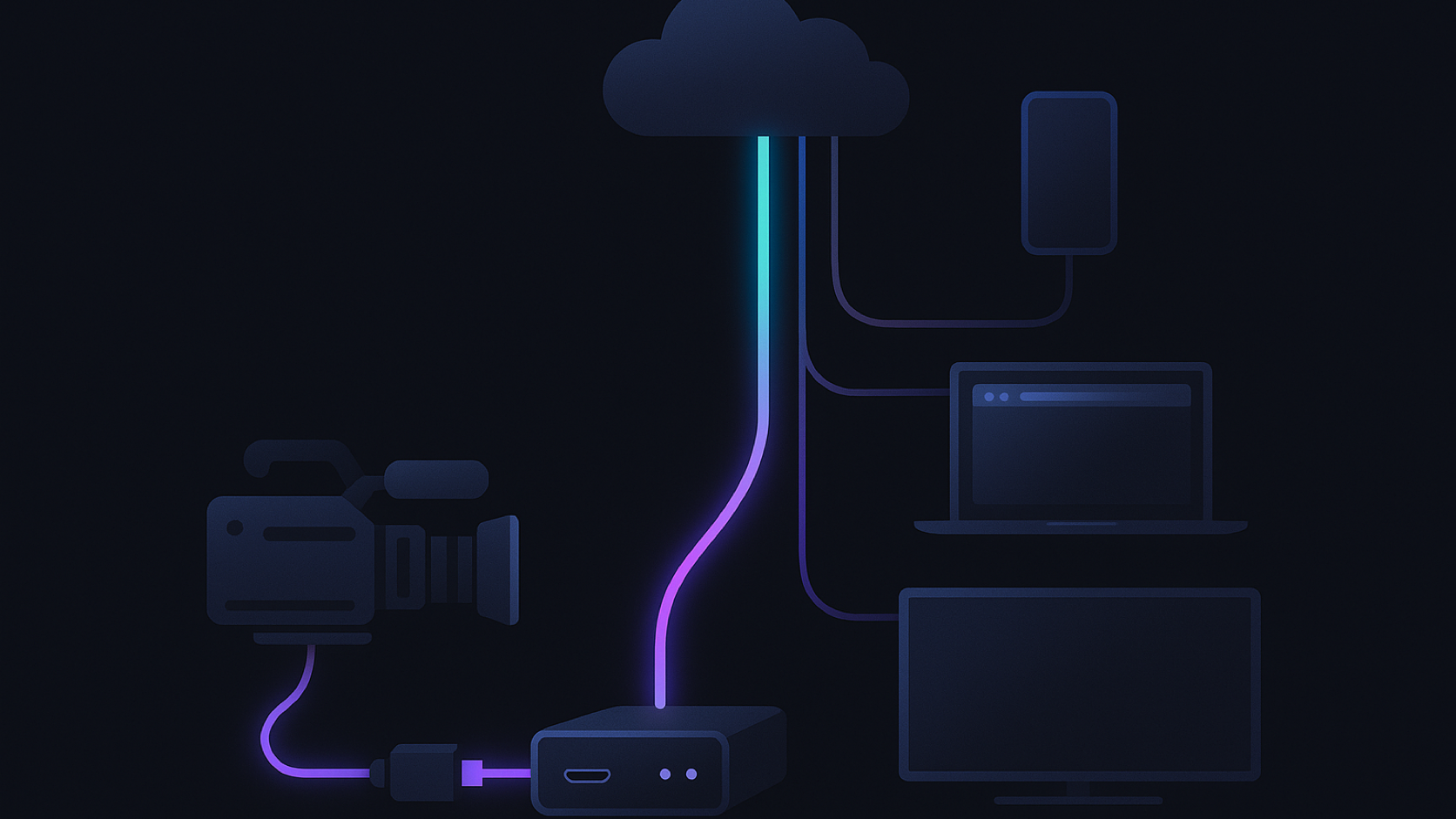
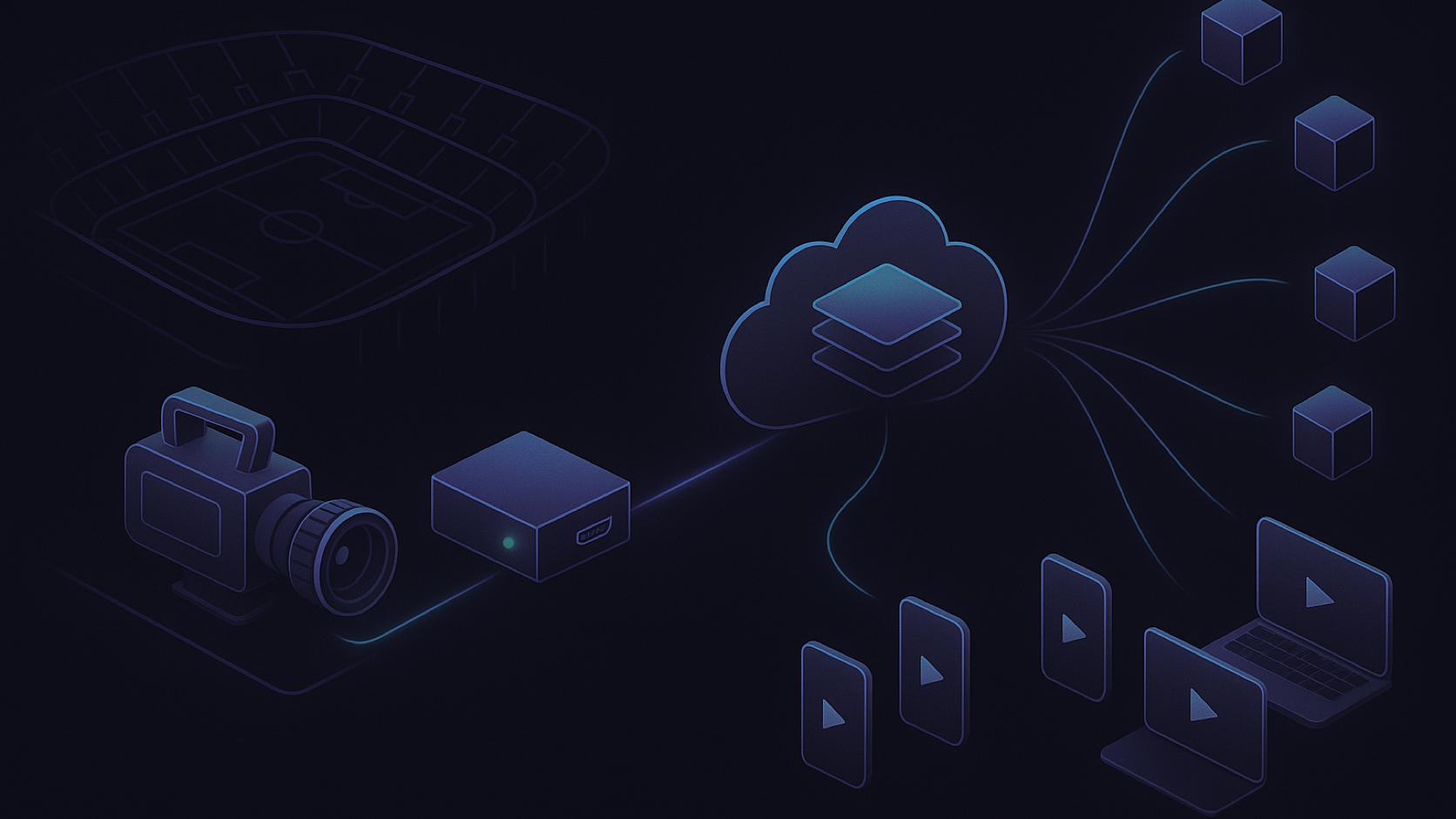
In contribution, the encoder sends one high-quality stream (ideally over SRT, with RTMP as a fallback) to a cloud ingest point. From there a transcoder builds the bitrate ladder, a packager writes HLS (and DASH if you need it), and a CDN serves the audience.
| Direct HLS from the box | Encoder as contribution source | |
|---|---|---|
| Who serves viewers | The encoder's built-in web server | Cloud origin plus CDN |
| Renditions | Usually one, sometimes two | Full ABR ladder, built in the cloud |
| Viewer ceiling | Limited by venue uplink and the box's web server | Limited by CDN capacity |
| Access control and DRM | Basic auth at best | Signed URLs, Widevine, FairPlay, PlayReady |
| Recording and replay | Local file on the encoder | Live-to-VOD in the same pipeline |
| Good for | Monitoring, internal screens, a lobby feed | Any OTT app or streaming website |
Direct HLS is fine when the audience is a confidence monitor in the control room. For anything with paying subscribers, the HDMI encoder is the first link in a chain, not the whole chain.
Why direct-from-box HLS breaks in a streaming app
Four problems turn up as soon as real viewers arrive.
The first is the single rendition. Phones on a train need a 400 kbps version and smart TVs on fibre want 6 Mbps. A box that writes one bitrate forces everyone onto the same stream, so mobile viewers buffer and big-screen viewers see soft video. Our adaptive bitrate streaming guide explains why the ladder matters.
The second is upload bandwidth. Every viewer pulls their own copy from the box, so 200 viewers at 4 Mbps need about 800 Mbps of upload from the venue. Few venue connections have that, and none should spend it on distribution.
The third is security. An exposed encoder web server is a public device on your network, and anyone who copies the playlist URL can restream it. Paid live events need tokenised URLs and DRM, which a standalone encoder cannot enforce.
The fourth is uptime. If the box reboots, the feed is gone. There is no backup input and no slate, and the replay is lost.
This is the layer Apexnova engineers for live OTT clients. The HDMI encoder stays at the venue, and the platform we build takes its SRT or RTMP feed and handles the transcoding ladder, LL-HLS and LL-DASH packaging at sub-2-second latency, DRM, and multi-CDN delivery. You own the code and infrastructure, so there is no per-viewer fee on top of your own cloud bill.
How to set up an HDMI HLS encoder for an OTT app or website
These six steps take a camera signal to a playable stream in iOS, Android and web players. Do them in order. Most "encoder problems" are really source problems from step one.
1. Lock down the HDMI source
Set the camera or switcher to a fixed progressive format, such as 1080p at 30 or 60 fps, and match it in the encoder. Interlaced 1080i inputs force the encoder to deinterlace, and cheaper units do it badly.
Embed 48 kHz audio in the HDMI signal rather than relying on a separate analog input. Then check whether the source applies HDCP copy protection. Many laptops and set-top boxes do, and an HDCP-protected signal usually reaches the encoder as a black frame or as nothing at all.
2. Configure the encode for streaming, not recording
For maximum device compatibility, use H.264 High profile video and AAC-LC audio. Set a fixed keyframe interval of 2 seconds and constant or capped bitrate. Dacast's 2026 guidance says capped bitrate gives the most predictable live HLS behaviour, with keyframes around 2 seconds for smooth rendition switching (Source: Dacast, 2026).
Send the highest quality your uplink can sustain. The cloud transcoder makes the smaller renditions, so the contribution stream should be your top rung or better.
3. Choose the contribution protocol
Use SRT as the primary output where your HDMI encoder supports it. It runs over UDP, retransmits lost packets within a configurable latency window, and supports AES encryption, which suits unpredictable venue networks.
Keep RTMP as a secondary output to a separate ingest point. It is supported almost everywhere, and a second path on a different network gives you a real backup instead of a duplicate failure. RTSP output is best kept for monitoring and recording systems on the local network. Our RTSP explainer covers why browsers cannot play it directly.
4. Build the HLS ladder in the cloud
At ingest, transcode the contribution stream into a ladder, for example 1080p, 720p, 540p, 360p and an audio-only rung. Align keyframes across every rendition so players can switch cleanly.
Package standard HLS with segments around 6 seconds, as Apple's HLS Authoring Specification recommends (Source: Apple HLS Authoring Specification). For live sports or betting-adjacent content, use LL-HLS partial segments to cut delay without giving up CDN scalability. Write a DVR window and record the feed for live-to-VOD at the same stage.
5. Deliver through a CDN with access control
Serve playlists and segments from a CDN, not from the origin, and sign URLs with short-lived tokens tied to the viewer's entitlement. If the event is paid, add DRM: Widevine for Android and Chrome, FairPlay for Apple devices, PlayReady for Windows and many smart TVs. Apexnova's DRM integration work covers all three in one license flow.
6. Rehearse playback on real devices
Test the full chain from HDMI cable to phone screen: an iPhone over cellular, an Android device on weak Wi-Fi, and Safari, Chrome and Firefox on desktop. Measure glass-to-glass latency with a clock on camera.
Then pull the encoder's network cable for 10 seconds. Confirm the app recovers on its own instead of showing a permanent error. The live streaming player guide covers the player side of this test.
HDMI encoder settings cheat sheet
Use these as starting values for a contribution stream feeding a cloud HLS ladder.
| Setting | Recommended starting value | Why |
|---|---|---|
| Input | 1080p30 or 1080p60, progressive | Avoids deinterlacing artifacts |
| Video codec | H.264 High profile (H.265 if every downstream step supports it) | Broadest decoder and transcoder support |
| Bitrate | 6–8 Mbps for 1080p30, 9–12 Mbps for 1080p60 | Gives the transcoder headroom for the top rung |
| Rate control | CBR or capped VBR | Predictable uplink use |
| Keyframe interval | 2 seconds, fixed | Clean segment boundaries and ABR switching |
| Audio | AAC-LC, 48 kHz, 128–192 kbps stereo | Universal playback support |
| Output 1 | SRT, caller mode, 120–500 ms latency | Recovers packet loss on venue networks |
| Output 2 | RTMP to a separate ingest | Independent backup path |
| Local record | On, to SD or USB | Recovery copy if the network fails |
Budget about twice the contribution bitrate in sustained upload. Dacast's example pairs a 6.2 Mbps stream with 12–15 Mbps of upload for headroom (Source: Dacast, 2026).
Choosing an HDMI video encoder: specs that matter
Spec sheets list dozens of features, but these decide whether a box works for live OTT:
- SRT support: non-negotiable for streams that cross the public internet.
- Simultaneous outputs: at least two, so you can run primary and backup at the same time.
- HDMI loop-out: lets a local monitor see exactly what the encoder sees.
- Remote management: a web panel is the minimum. An API or cloud console matters once you run more than one venue.
- Local recording: a safety copy that survives a network outage.
- Power and mounting: a PoE or dual-power option for long events, and a chassis that fits your rig.
- Channel count: a multi-input IPTV encoder makes sense for multi-camera feeds or 24/7 channels. Single-channel units are simpler to replace.
H.265 support is useful when uplink is tight, but only if your ingest and transcoder accept it. Classic RTMP did not carry HEVC, so many H.265 workflows depend on SRT.
Common HDMI HLS encoder failures
| Symptom | Likely cause | Fix |
|---|---|---|
| Black screen, audio missing or "no signal" | HDCP on the source, or a resolution the encoder cannot read | Disable HDCP on the source and set a fixed output format |
| Audio drifts out of sync over an hour | Frame rate or audio sample-rate mismatch | Match fps end to end and embed 48 kHz audio |
| Plays in Safari, fails in Chrome | Direct HLS with no JavaScript player, or CORS headers missing on the box | Serve through a CDN and an MSE-based web player |
| Quality switches stall or flash | Keyframes not aligned across renditions | Fixed 2-second GOP at the encoder and aligned transcoding |
| Stream dies when viewers spike | Viewers pulling directly from the encoder | Move to the contribution architecture |
| Restarted encoder never comes back | No reconnect logic, or DHCP changed its address | Static IP, auto-reconnect on, and a monitored backup path |
Most of these show up only under real conditions. That is why the outdoor broadcasting setup guide recommends rehearsing faults, not just content.
Frequently asked questions
Can an HDMI encoder stream HLS directly to viewers?
Yes, but only to a small audience on a network that can carry the load. The encoder's built-in server usually delivers one bitrate with no CDN, DRM or failover. For an OTT app or website, send SRT or RTMP from the encoder to a cloud packager and deliver HLS through a CDN.
Should I send SRT or RTMP from my HDMI encoder?
Send SRT as the primary when the encoder and ingest support it. It handles packet loss and jitter on public networks better than RTMP and can encrypt the stream. Keep RTMP as a backup output, because almost every ingest service accepts it.
What keyframe interval should an HDMI HLS encoder use?
Use a fixed 2-second interval and turn off scene-change keyframes if the encoder allows it. A fixed cadence lets the packager cut clean segments and lets players switch renditions without stalling.
Is a hardware HDMI encoder better than OBS on a laptop?
For long or unattended events, usually yes. A dedicated box boots in seconds, doesn't run OS updates mid-event and is easier to replace. OBS wins when you need graphics, scenes or multi-source mixing, and many productions feed OBS's program output into a hardware encoder.
Do I need a hosted video platform like Dacast or Castr to use an HDMI encoder?
You need something to receive the encoder's feed, build the ladder and deliver it. Hosted platforms rent you that pipeline as a monthly plan. The alternative is to own it: Apexnova builds the ingest, packaging, DRM and multi-CDN layer as part of your OTT platform for a one-time fee, and you pay the cloud bill directly.
Which HDMI HLS encoder setup fits your launch
If the stream is internal, such as a lobby screen or a confidence monitor, direct HLS from the box is enough. Buy a reliable single-channel unit and move on.
If viewers reach the stream through your app or website, especially if they pay for it, treat the encoder as a contribution device and put the effort into the cloud pipeline behind it. That is where latency, quality across networks, piracy protection and replay are decided. Apexnova has shipped 20+ OTT platforms to 15M+ viewers with 99.99% historic uptime, and live builds include the full ingest-to-player chain.
Explore how we build owned live streaming platforms, from HDMI ingest to sub-2-second playback in your iOS, Android and web apps.